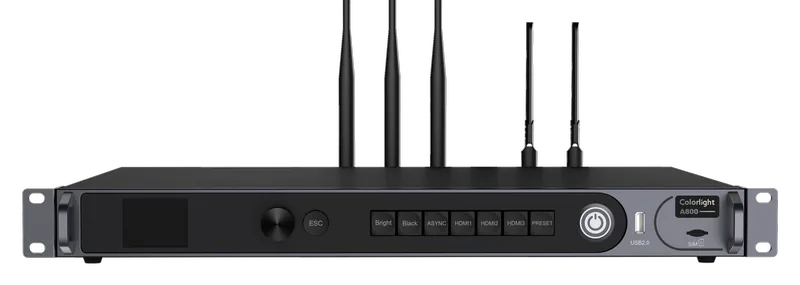
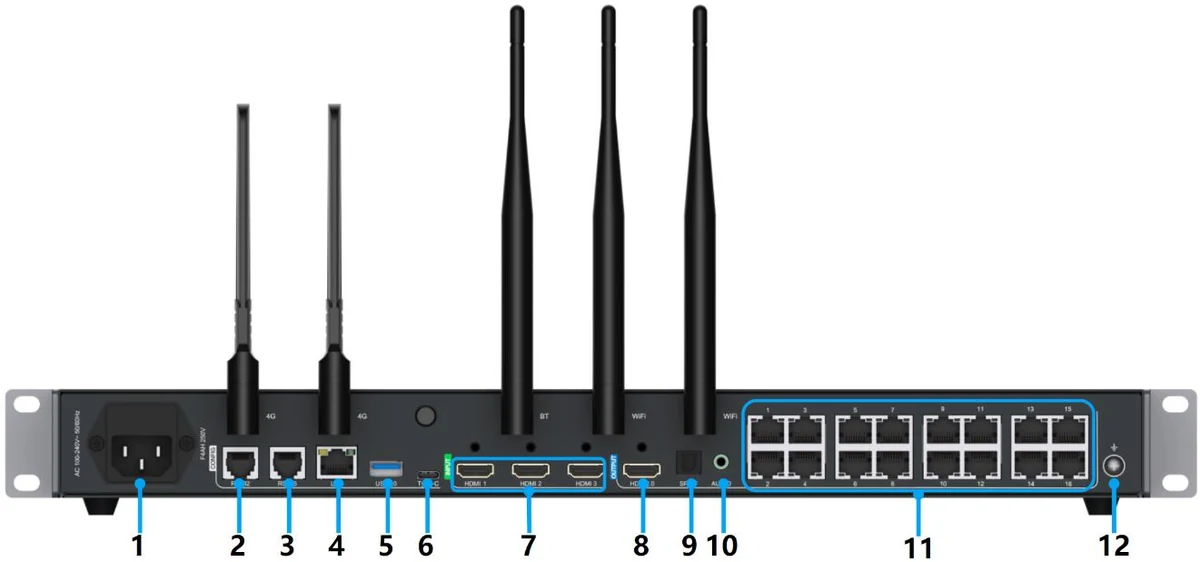
A800
Multimedia player · A Series
- Capacity8.8 MP
- Outputs16 × RJ45
- Max. width8,192 px
- ModeSynchronous + asynchronous
Technical support · We help with set-up and use
Product intelligence · from official sources
Explore receiving cards, players and controllers with the manufacturer's official technical data. Every value is linked to its source; a feature that is not verified is never guessed.
Multimedia player · A Series
Technical support · We help with set-up and use
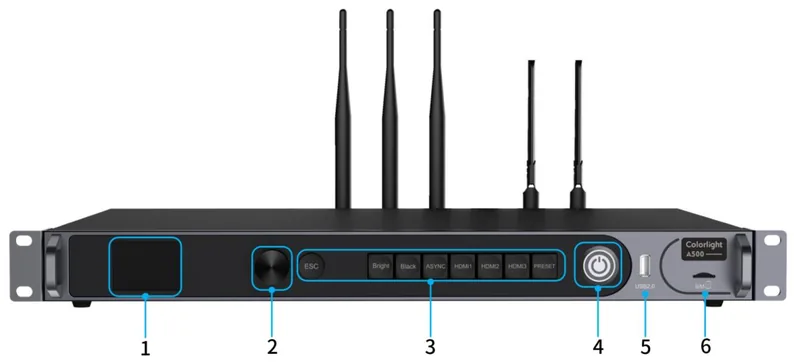
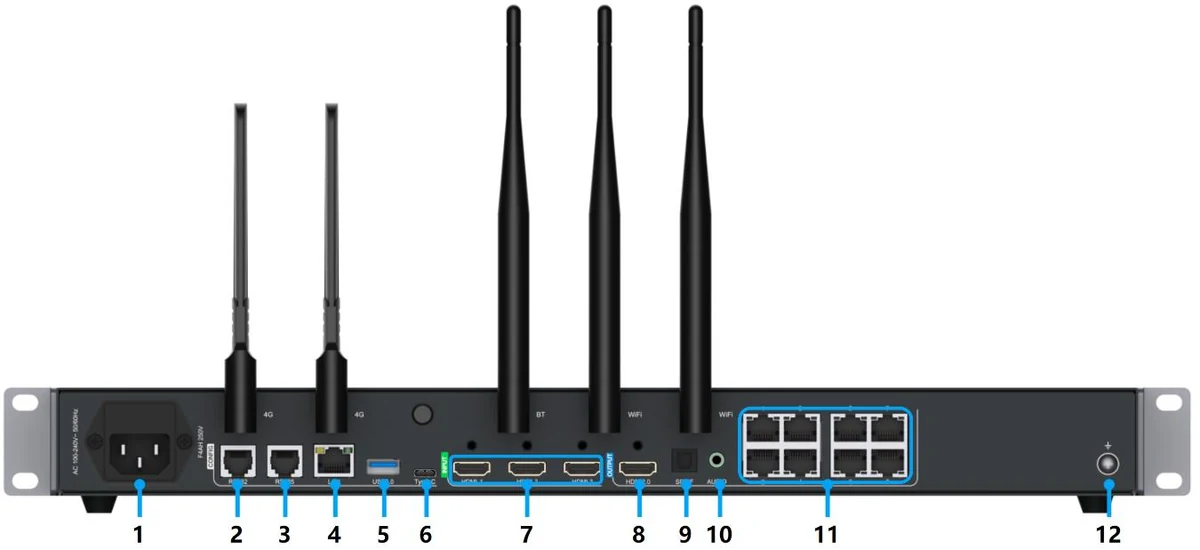
Multimedia player · A Series
Technical support · We help with set-up and use
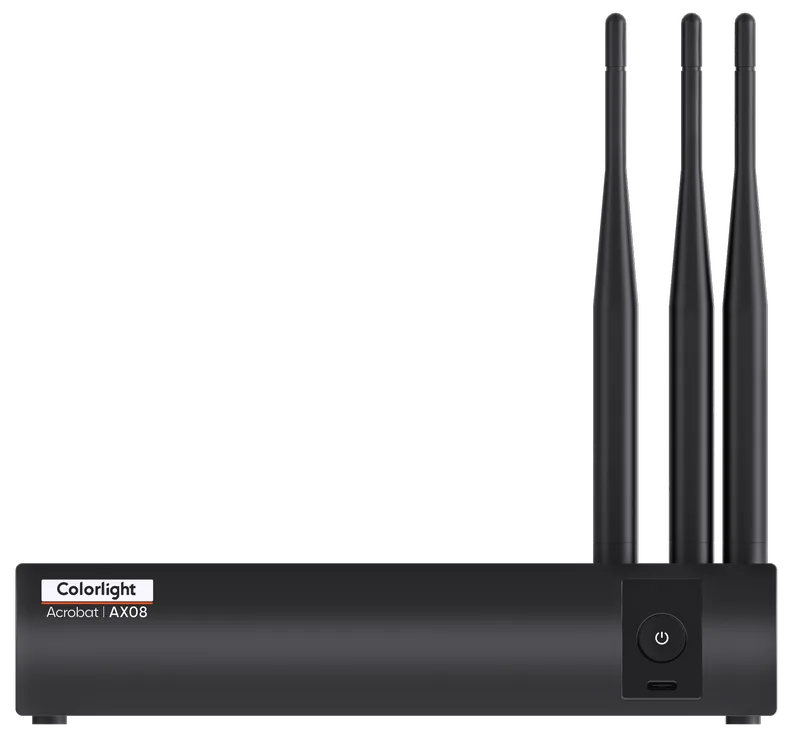
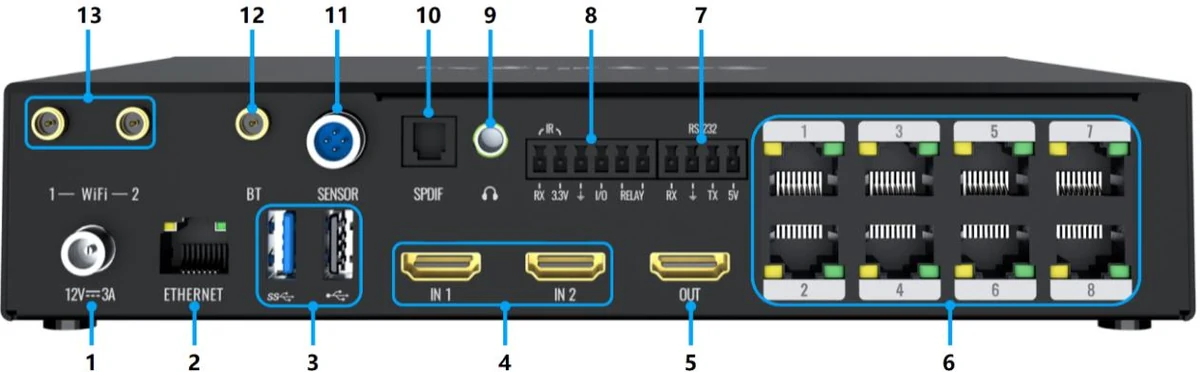
Multimedia player · AX Series
Technical support · We help with set-up and use
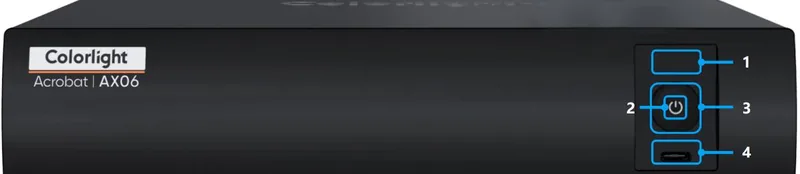
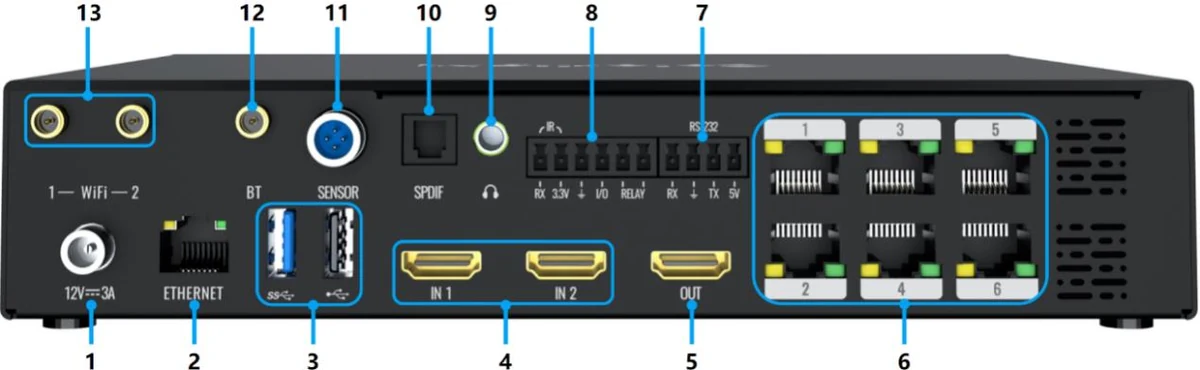
Multimedia player · AX Series
Technical support · We help with set-up and use
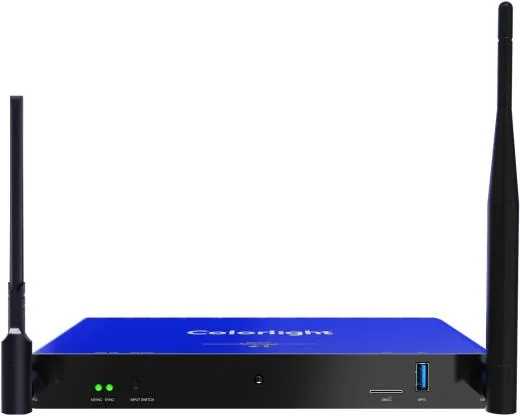
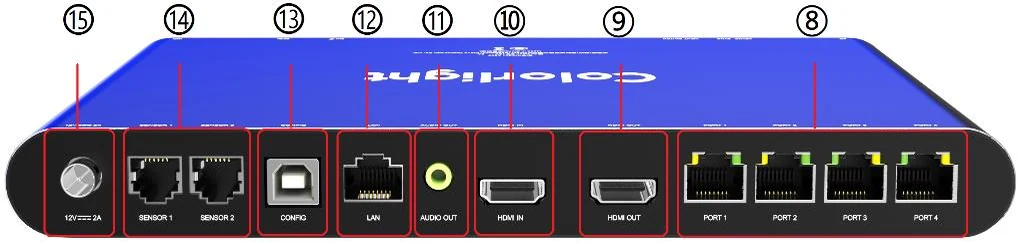
Multimedia player · A Series
Technical support · We help with set-up and use
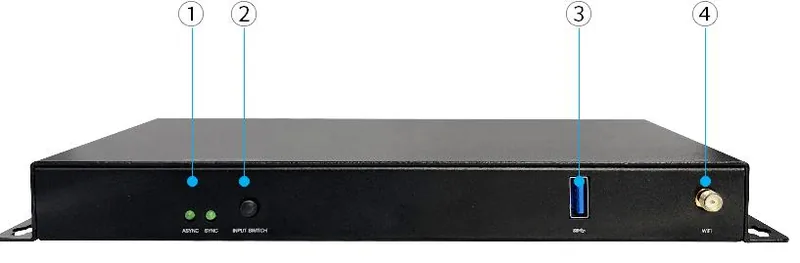
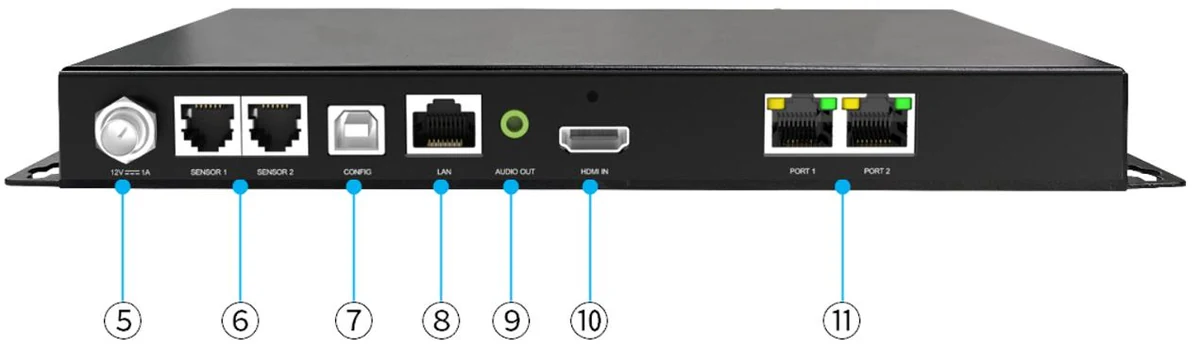
Multimedia player · A Series
Technical support · We help with set-up and use
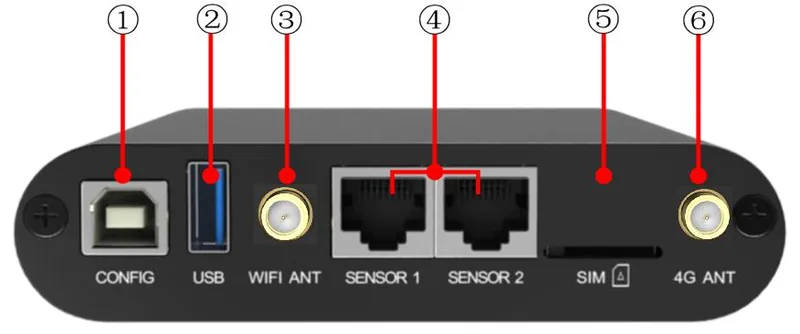
Multimedia player · A Series
Technical support · We help with set-up and use
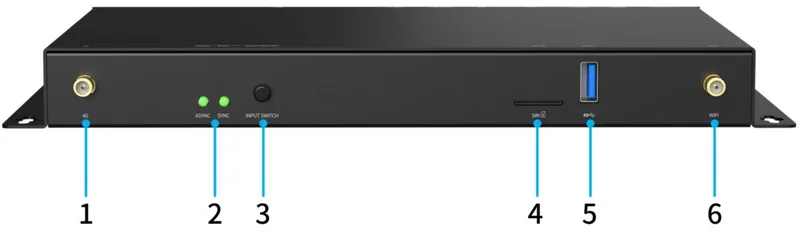
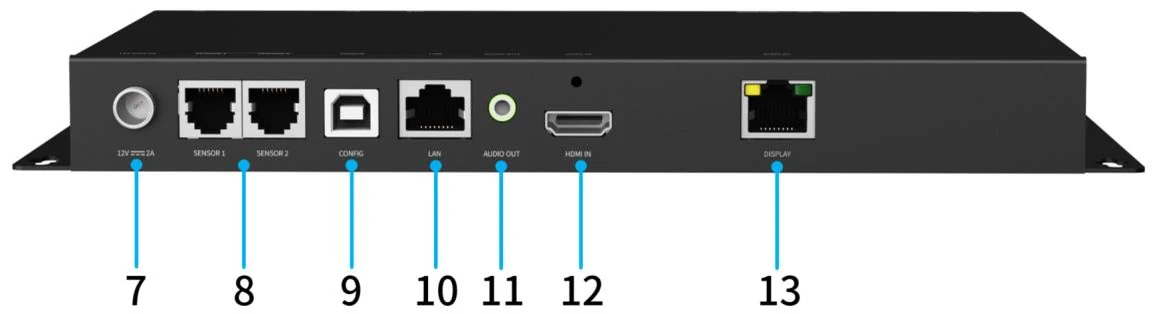
Multimedia player · A Series
Technical support · We help with set-up and use
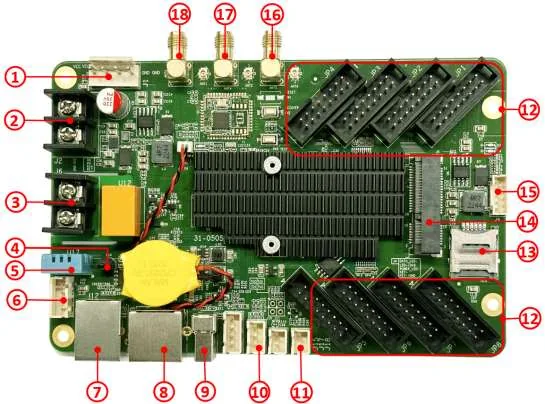
Multimedia player · A Series
Technical support · We help with set-up and use
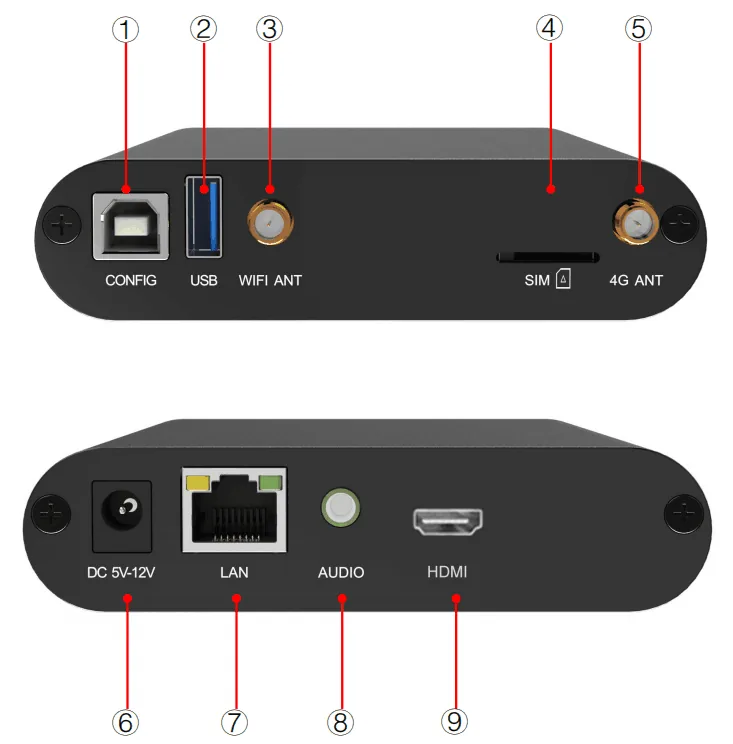
Multimedia player · A Series
Technical capacity not verified yet
Technical support · We help with set-up and use
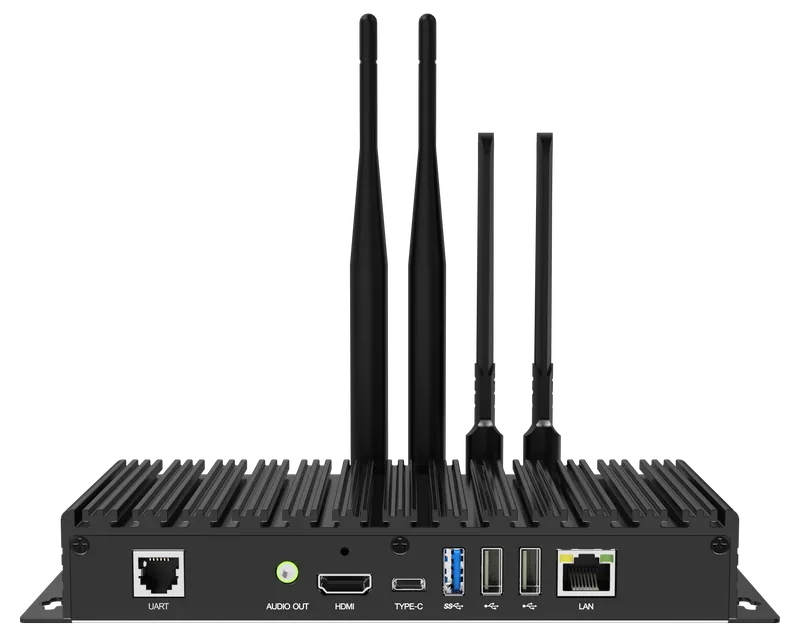

Multimedia player · TU Series
Technical support · We help with set-up and use
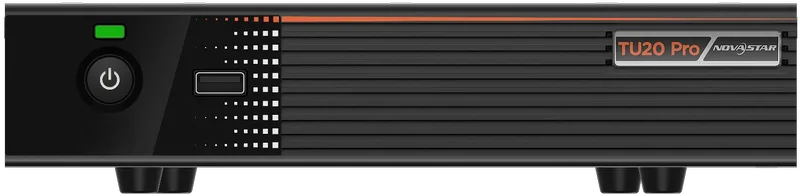
Multimedia player · TU Series
Technical support · We help with set-up and use
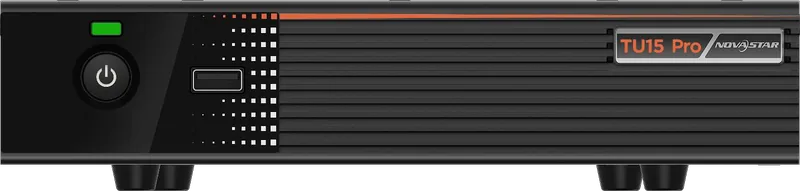
Multimedia player · TU Series
Technical support · We help with set-up and use

Multimedia player · Taurus
Technical support · We help with set-up and use

Multimedia player · Taurus
Technical support · We help with set-up and use

Multimedia player · Taurus
Technical support · We help with set-up and use

Multimedia player · Taurus
Technical support · We help with set-up and use
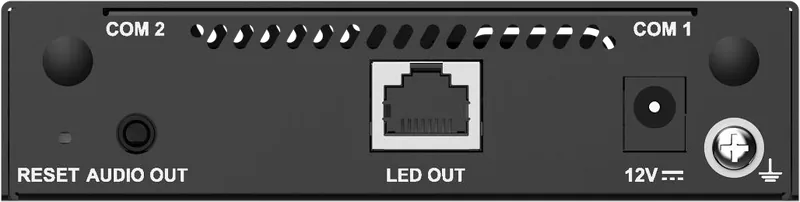
Multimedia player · Taurus
Technical support · We help with set-up and use
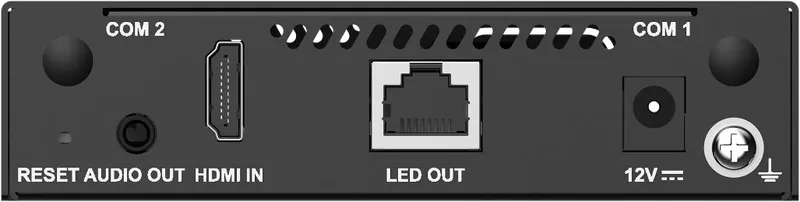
Multimedia player · Taurus
Technical support · We help with set-up and use
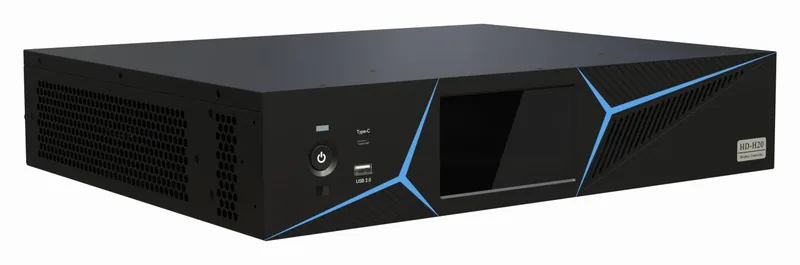
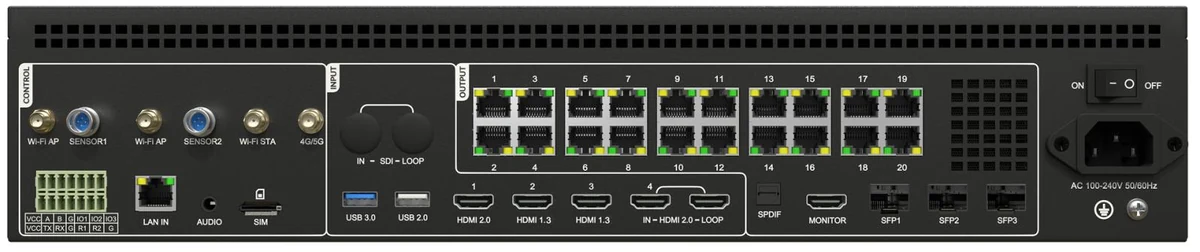
Multimedia player · H Series
Technical support · We help with set-up and use
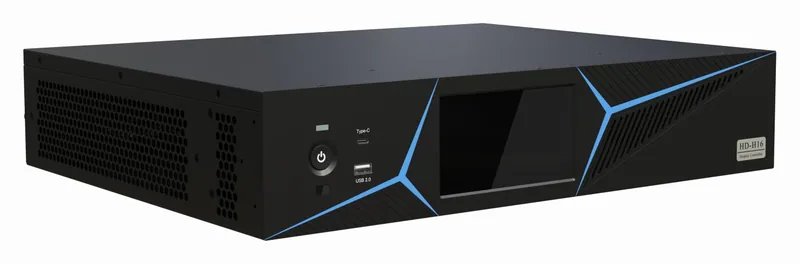
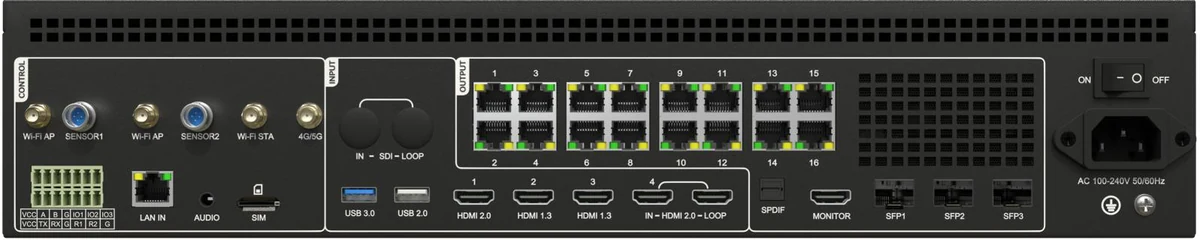
Multimedia player · H Series
Technical support · We help with set-up and use
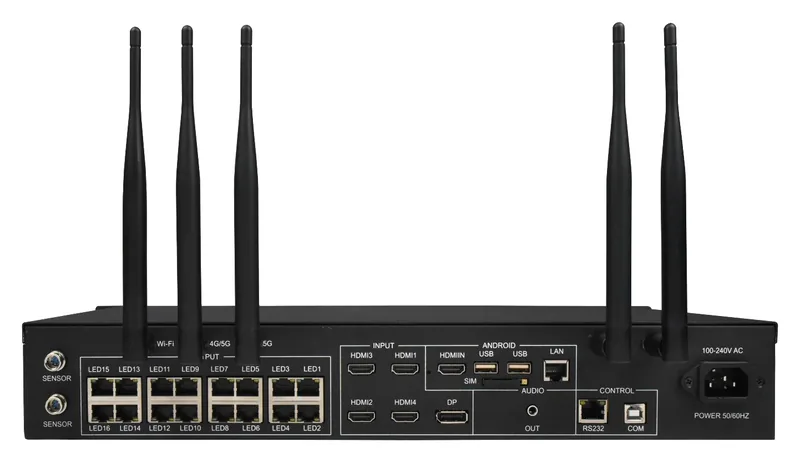
Multimedia player · A Series (dual-mode)
Technical support · We help with set-up and use
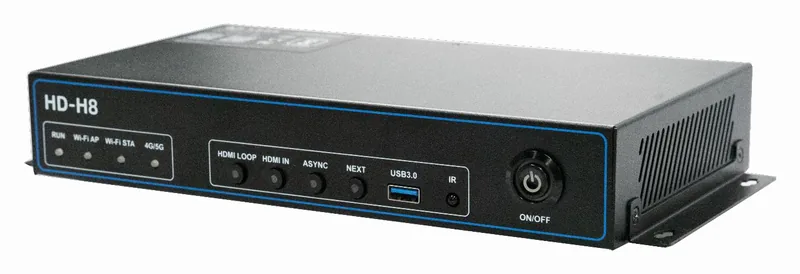
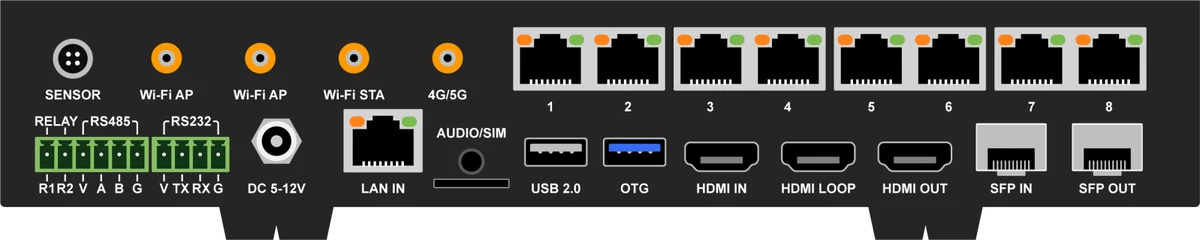
Multimedia player · H Series
Technical support · We help with set-up and use
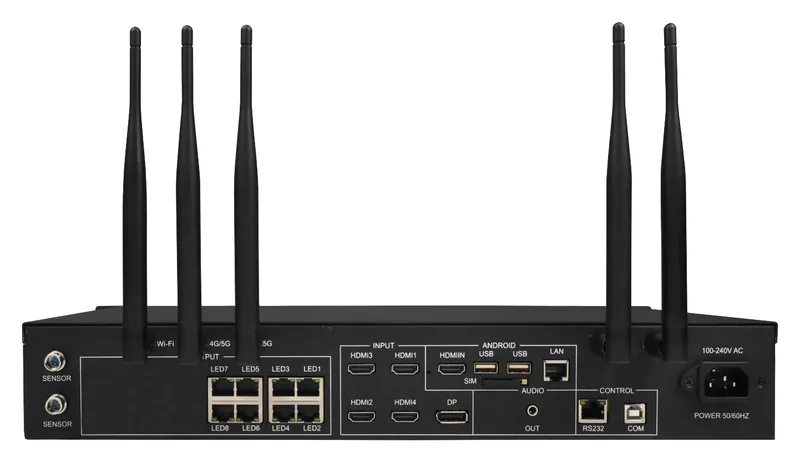
Multimedia player · A Series (dual-mode)
Technical support · We help with set-up and use
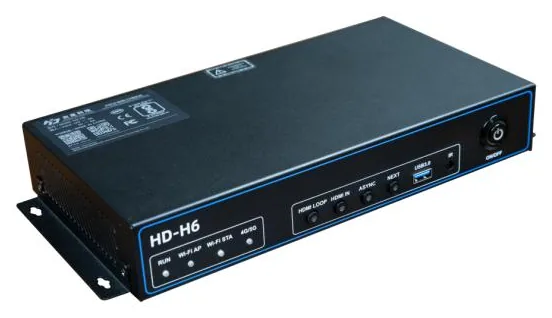
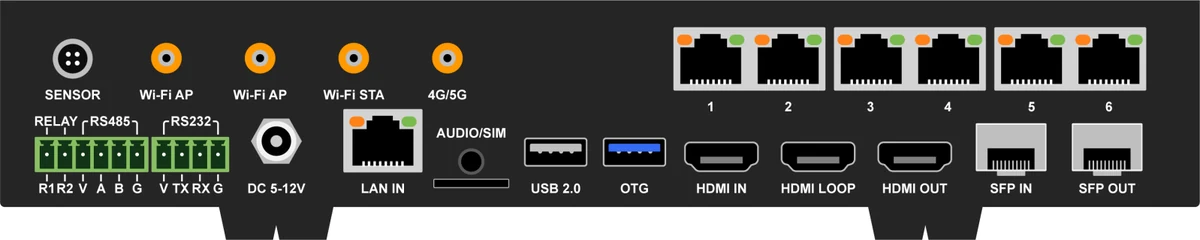
Multimedia player · H Series
Technical support · We help with set-up and use
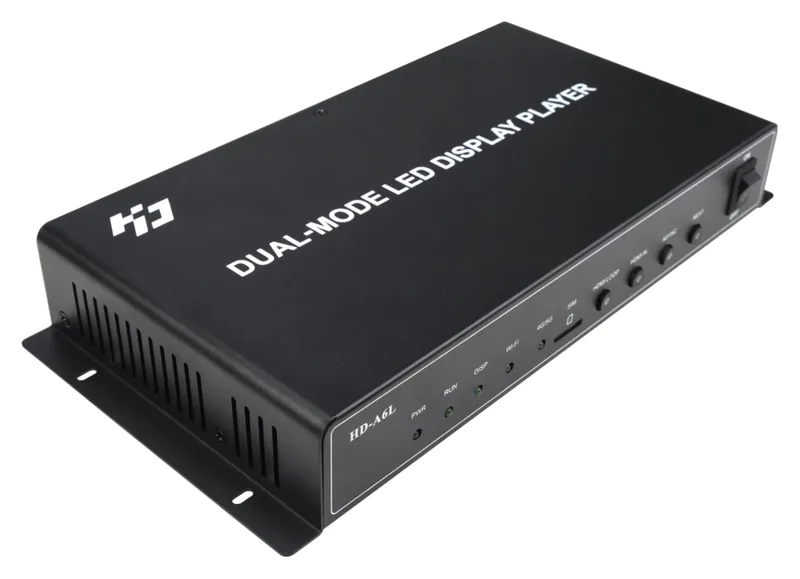
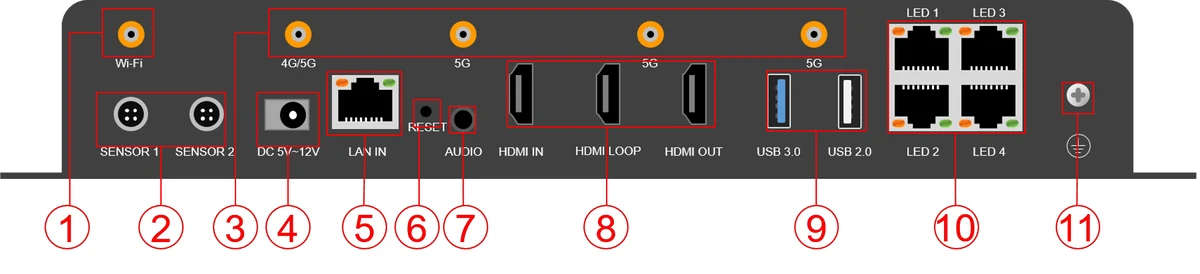
Multimedia player · A-L Series (dual-mode)
Technical support · We help with set-up and use
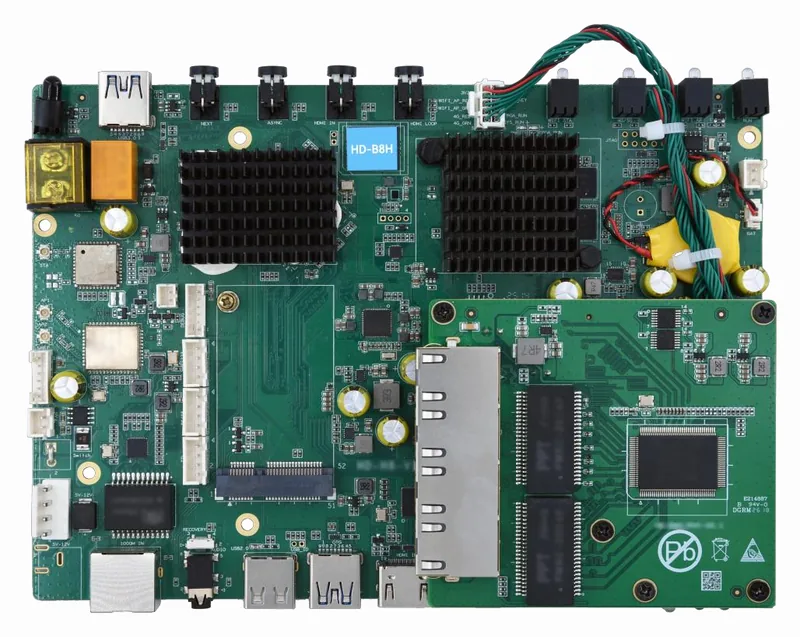
Multimedia player
Technical support · We help with set-up and use
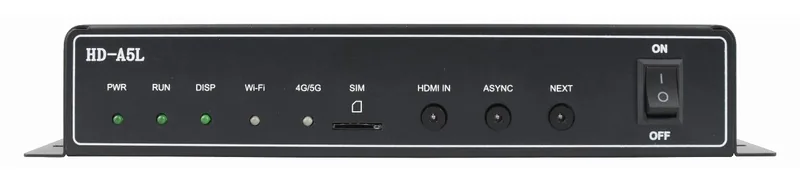
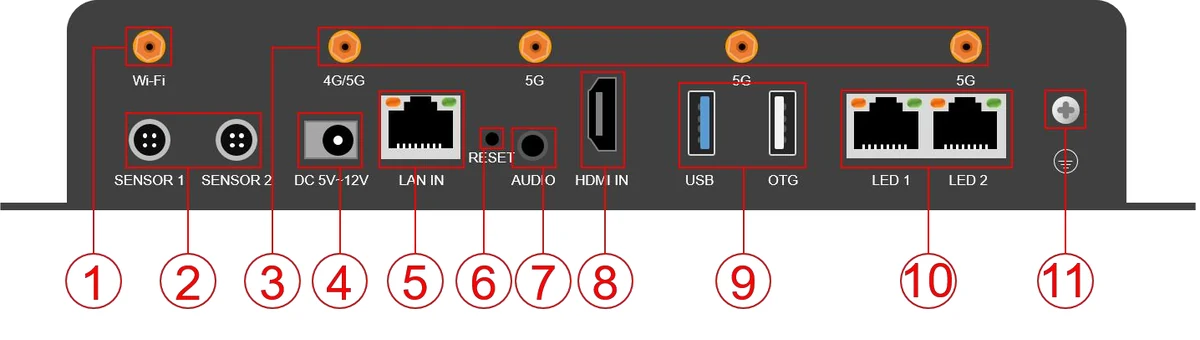
Multimedia player · A-L Series (dual-mode)
Technical support · We help with set-up and use
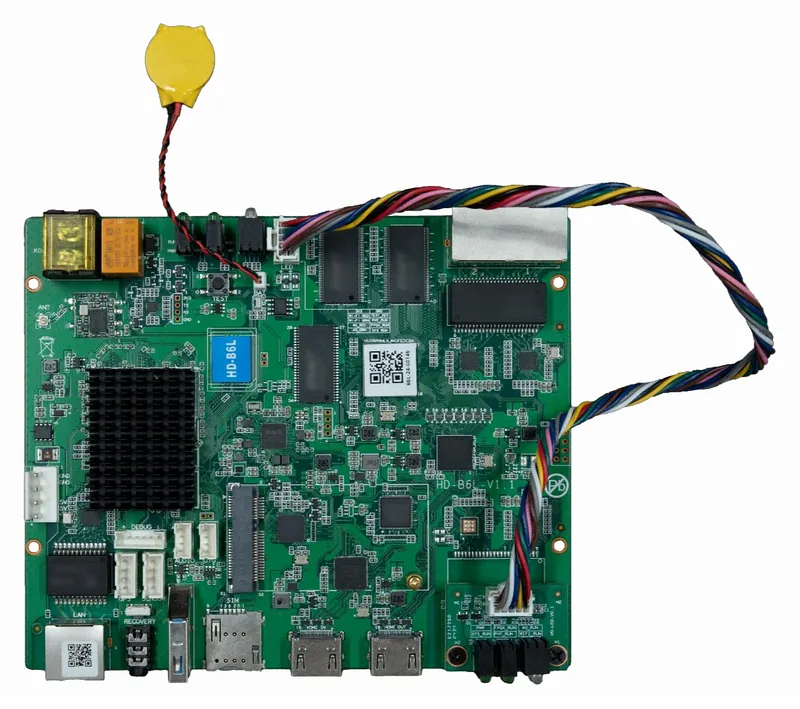
Multimedia player
Technical support · We help with set-up and use
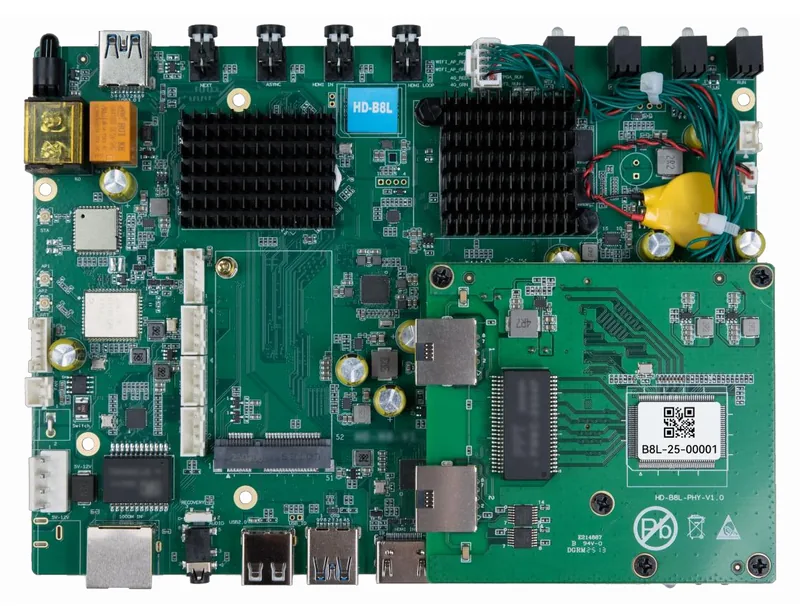
Multimedia player
Technical support · We help with set-up and use
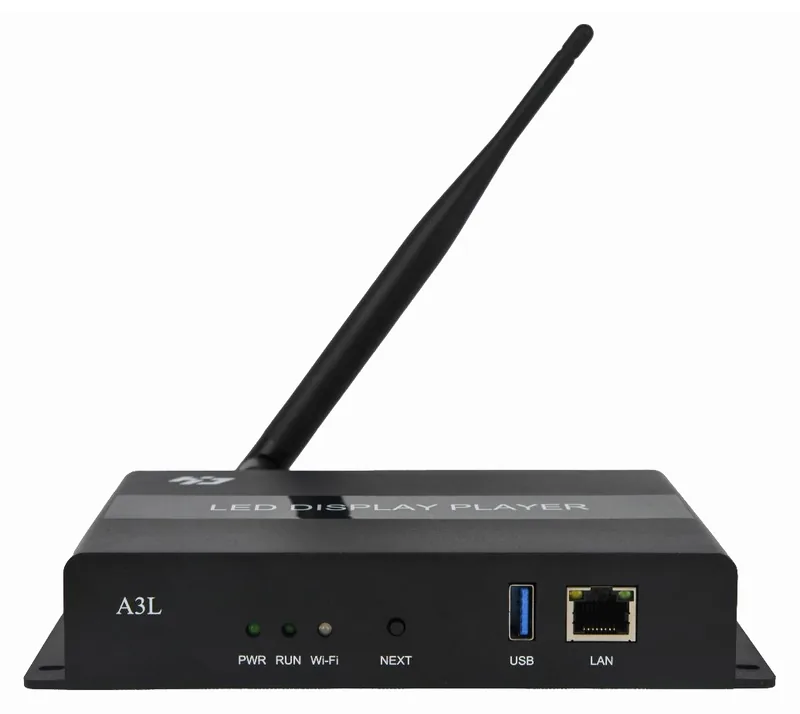
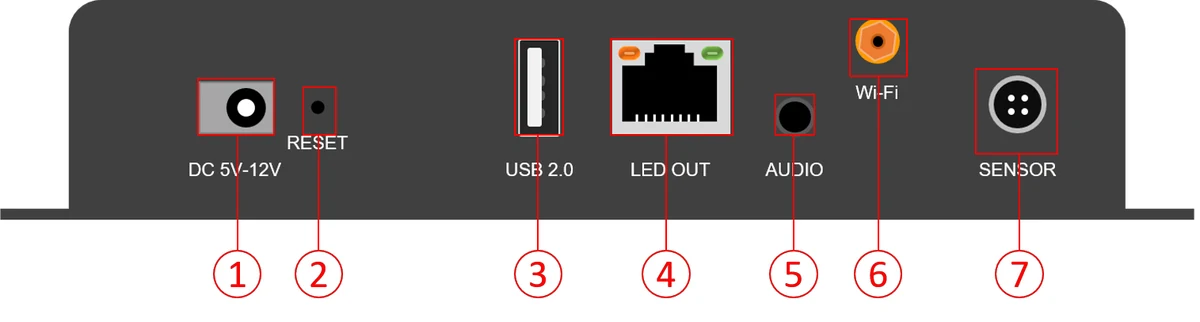
Multimedia player · A-L Series
Technical support · We help with set-up and use
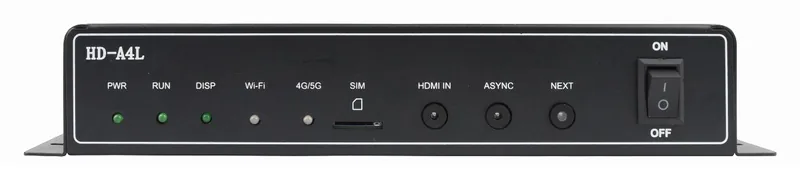
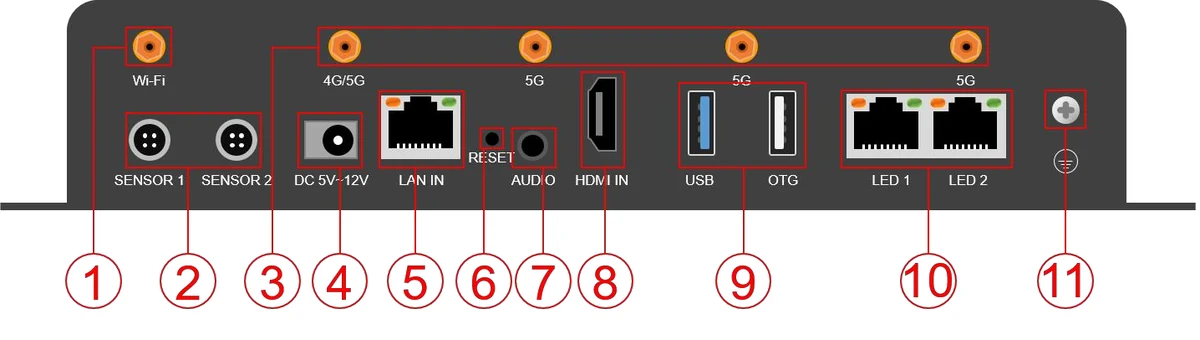
Multimedia player · A-L Series (dual-mode)
Technical support · We help with set-up and use
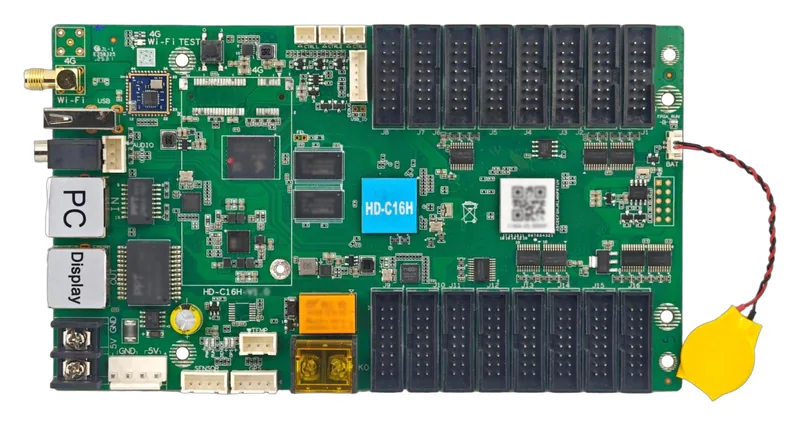
Multimedia player
Technical support · We help with set-up and use
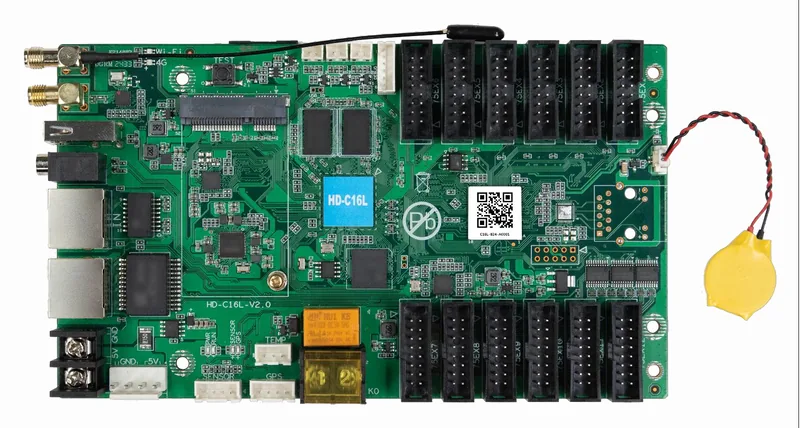
Multimedia player
Technical support · We help with set-up and use
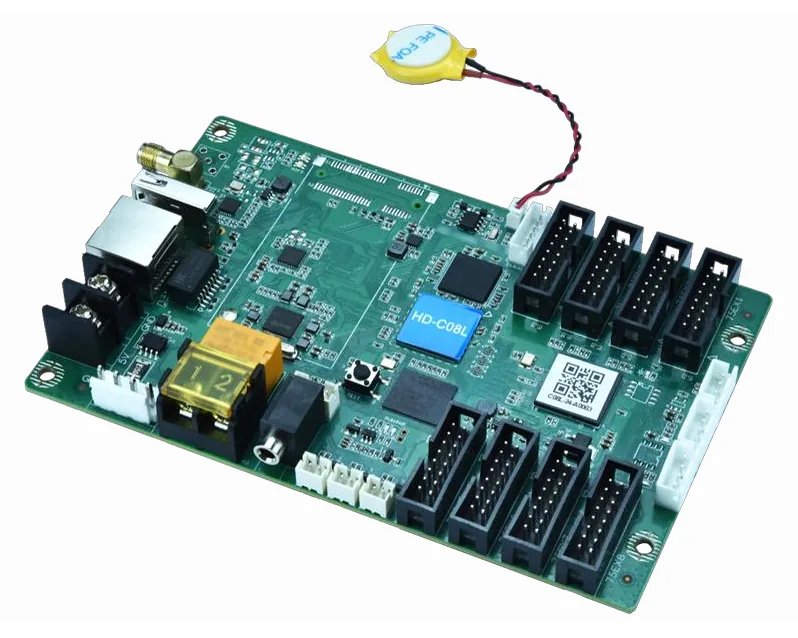
Multimedia player
Technical support · We help with set-up and use
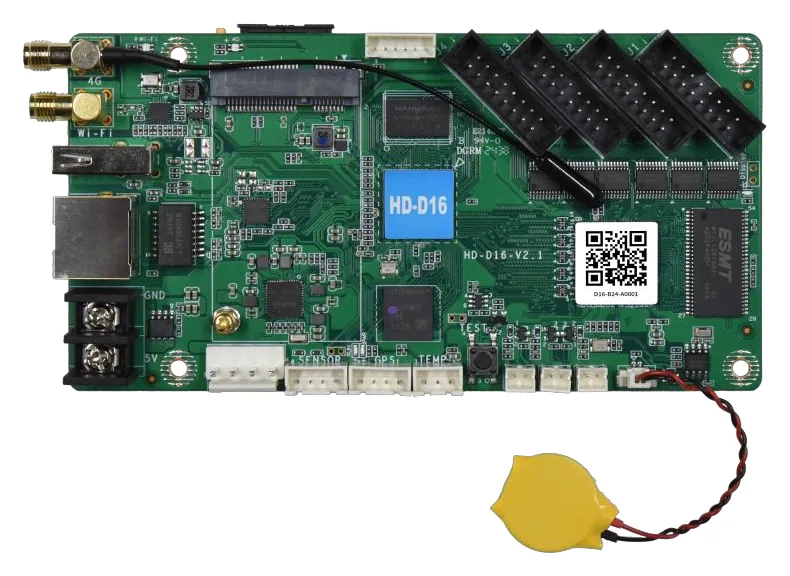
Multimedia player
Technical support · We help with set-up and use
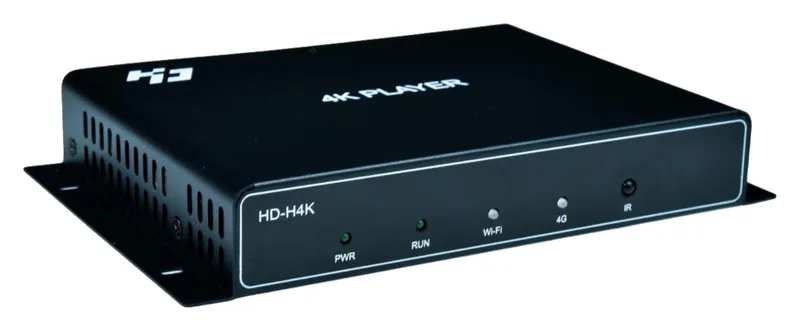
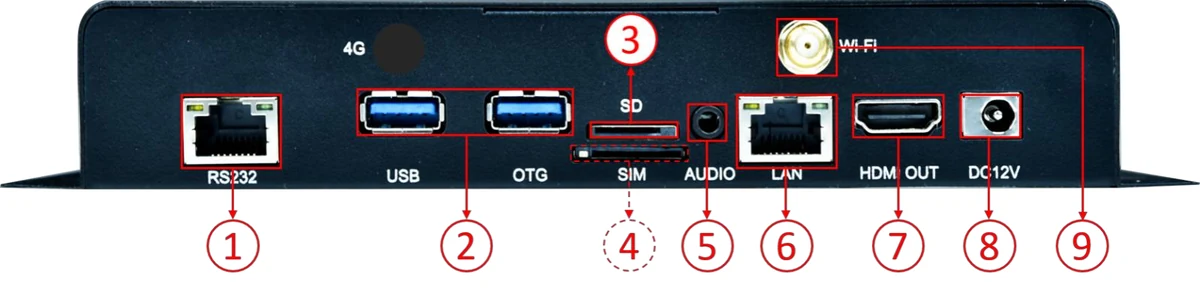
Multimedia player · H Series
Technical support · We help with set-up and use
Data is compiled from the manufacturers' official product pages and technical documents, imported into the LED-COM catalog, and every field is stored with its source. Colorlight: 2026.10.09-2 NovaStar: 2026.10.12-1 Huidu: 2026.10.12-1
0 selected for comparison