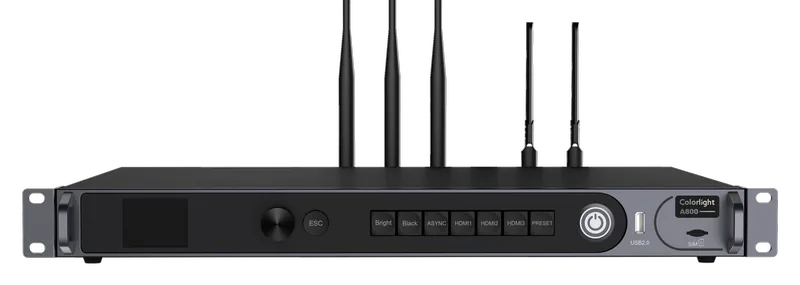
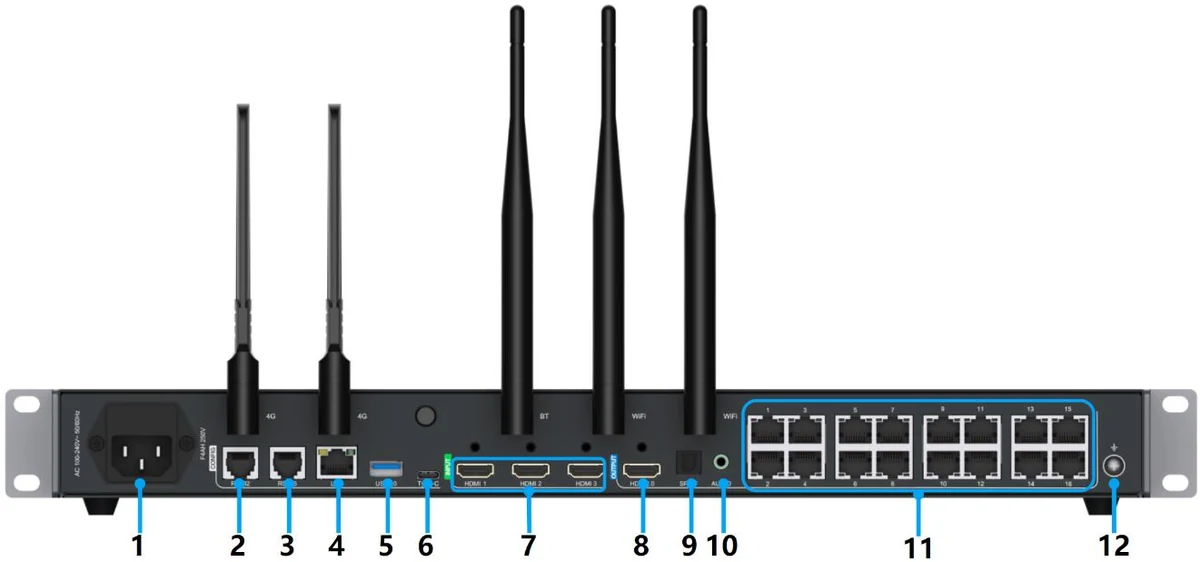
A800
Multimedia player · A Series
- Capacity8.8 MP
- Outputs16 × RJ45
- Max. width8,192 px
- ModeSynchronous + asynchronous
LED products · Complete LED screens
Compare modules, cabinets, receiving cards and control devices by their technical values and add them to the cart. For a complete screen, enter your size; we calculate everything it needs.
What would you like to buy?
Not sure which product you need? Enter the size of the display and we will work out the products it needs.
From the store
Playboxes and LED modules, with the manufacturers' official pictures. Add a product with a published price to the cart right away; for the others, request a quote from the cart.
Playboxes (players)
All players
Multimedia player · A Series

Multimedia player · TU Series
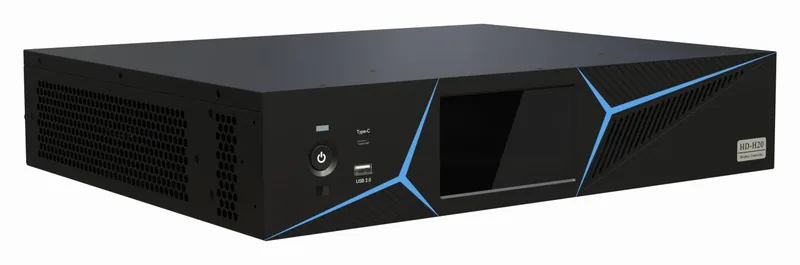
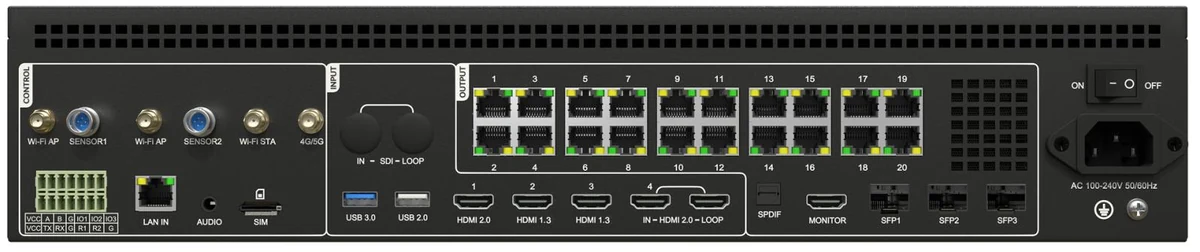
Multimedia player · H Series
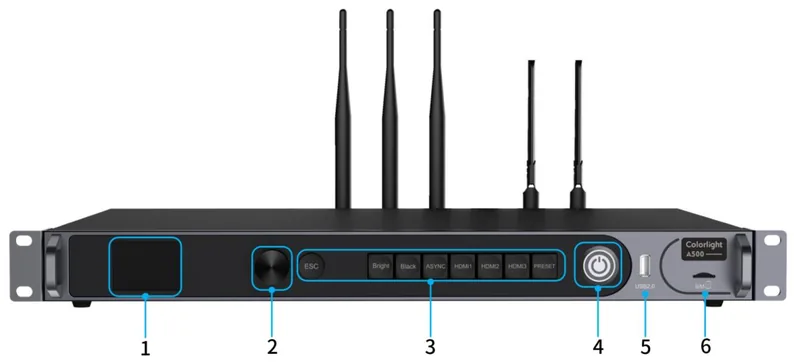
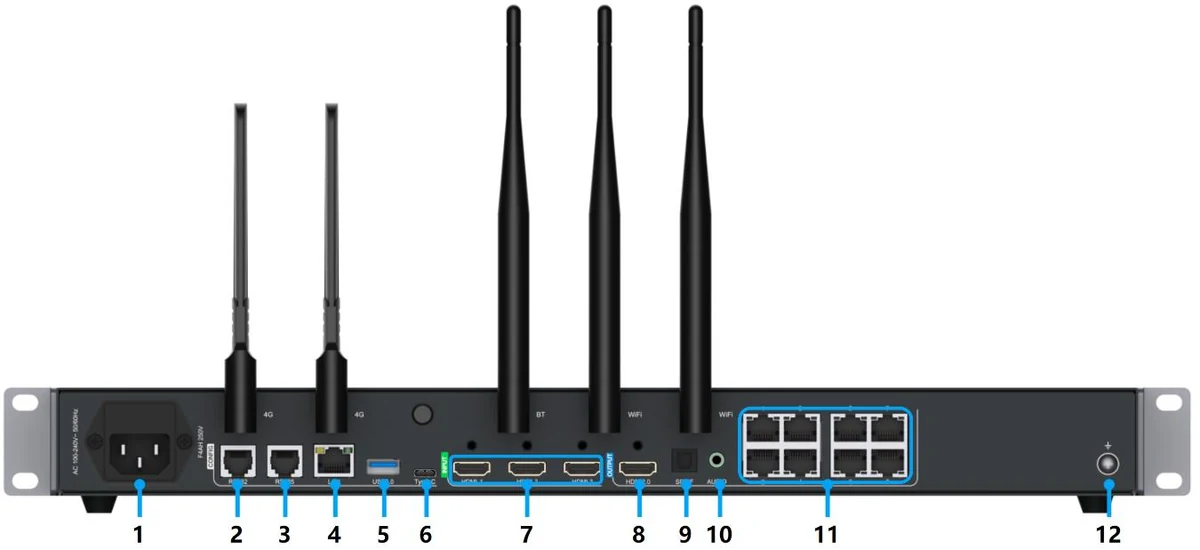
Multimedia player · A Series
LED modules
All LED modules
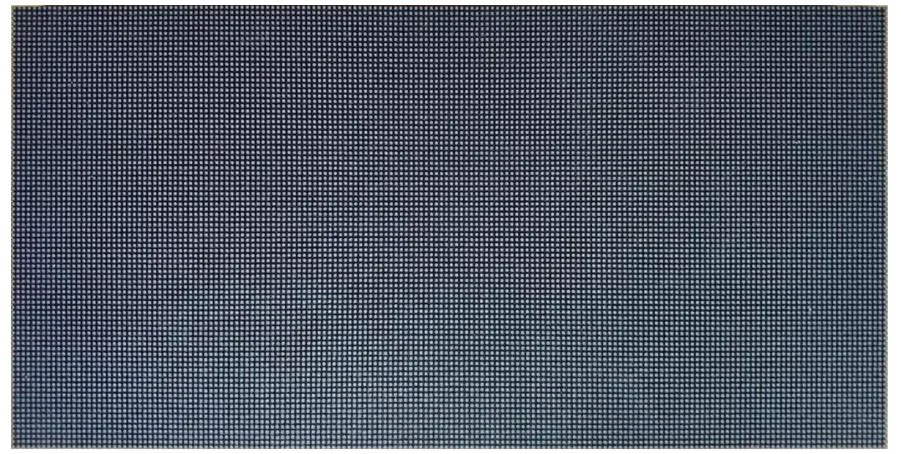
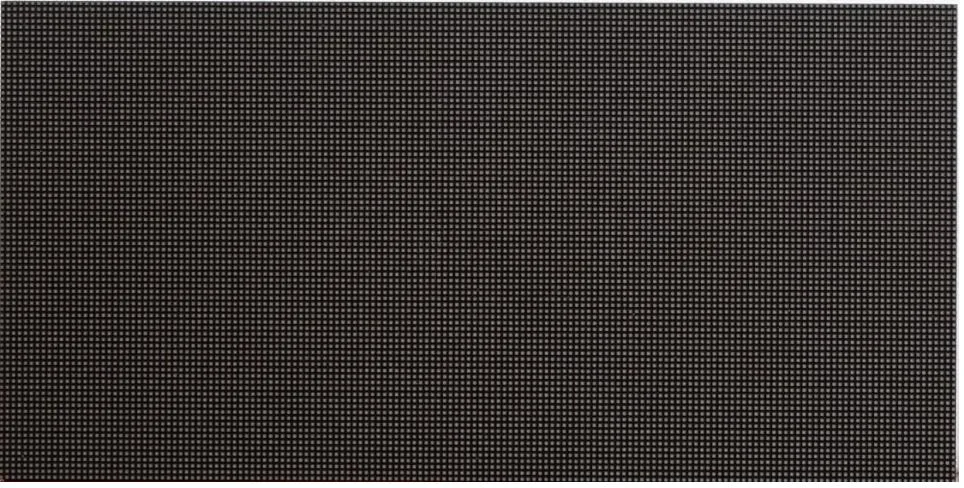
Professional experience
I have participated in projects as a technical engineer, covering LED display installation, system configuration, screen mapping, and commissioning.
This section describes my professional technical experience. The projects were not commercial works performed on behalf of LED-COM.
Placing the modules and cabinets and making their connections.
Setting up the receiving cards and controllers.
Defining where each cabinet and module sits on the screen in the control software.
Starting the screen for the first time and testing it.
Free calculation
The calculation engine lists the modules, receiving cards, controller, power supplies and cabinets for your screen: it tells you what to buy and how many. It is free, and you do not need an account.
Choose your module or cabinet and your receiving card; the engine tells you whether the screen can be built with these parts and lists the controller and power supplies still missing.
Check my partsCategories
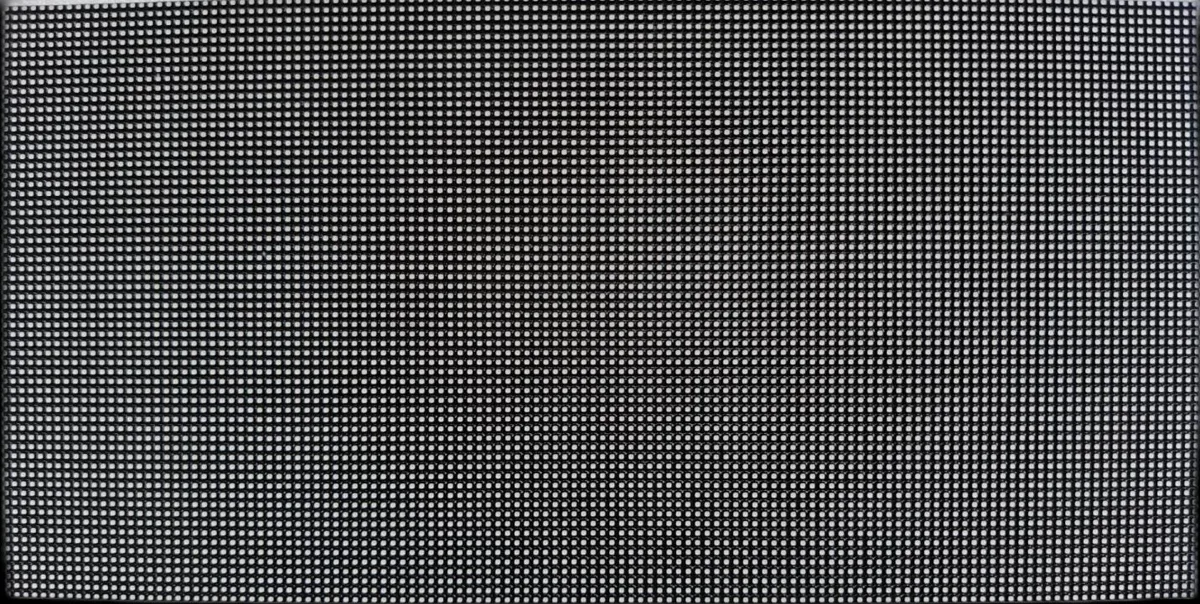 LED Modules
Pixel modules that form the display surface.
LED Modules
Pixel modules that form the display surface.
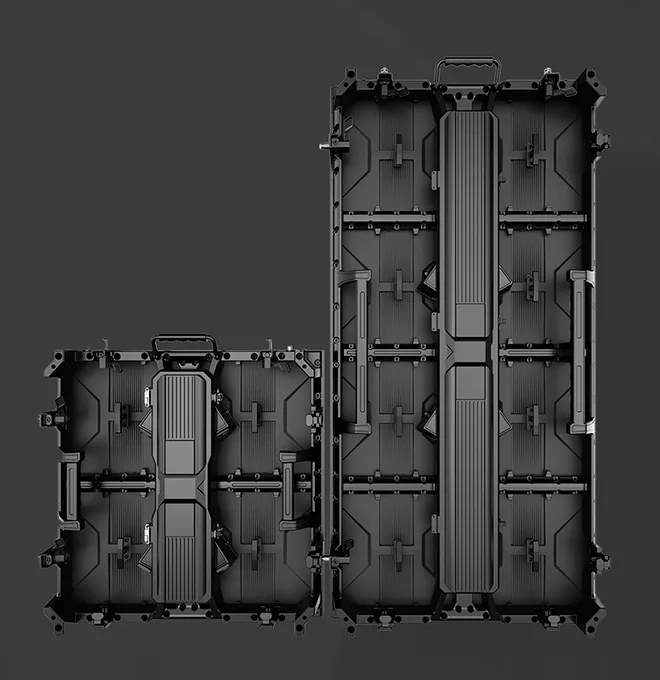 Cabinets
Ready-made display frames that carry the modules, power and control hardware.
Cabinets
Ready-made display frames that carry the modules, power and control hardware.
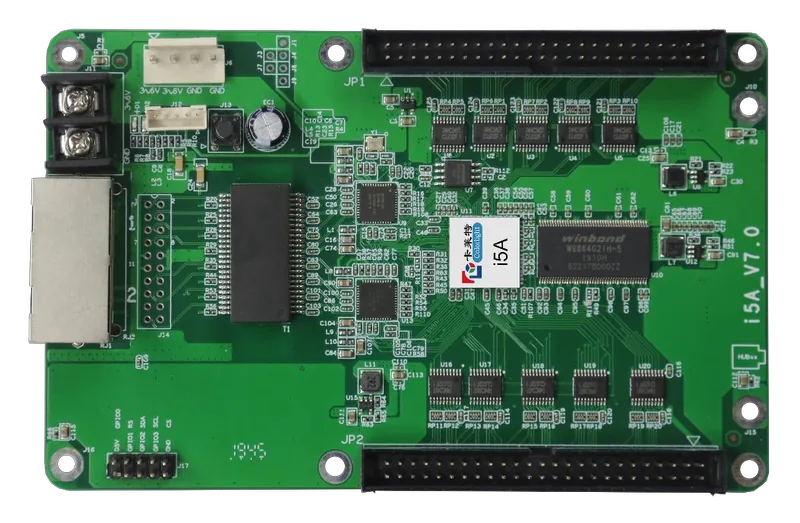 Receiving Cards
Cards that distribute image data to the modules inside the cabinet.
Receiving Cards
Cards that distribute image data to the modules inside the cabinet.
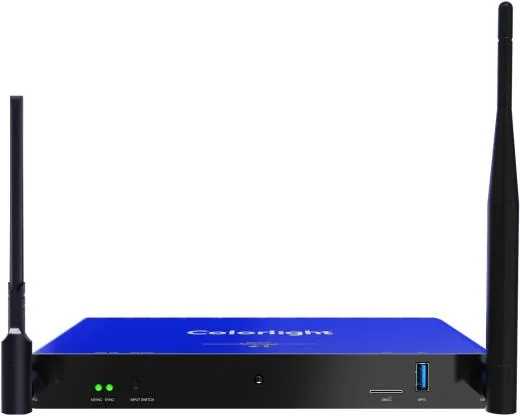 Players
Devices that play content without a computer (playboxes).
Players
Devices that play content without a computer (playboxes).
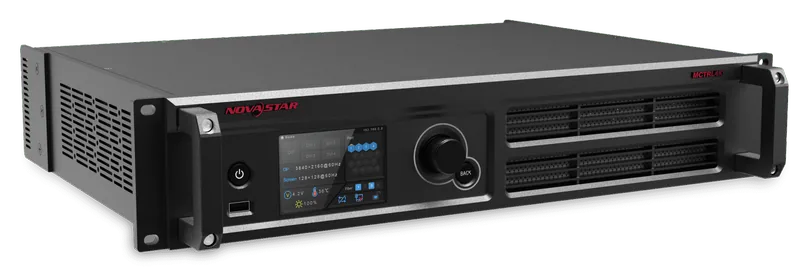 Controllers and Video Processors
Devices that process the source image for the display resolution and send it.
Controllers and Video Processors
Devices that process the source image for the display resolution and send it.
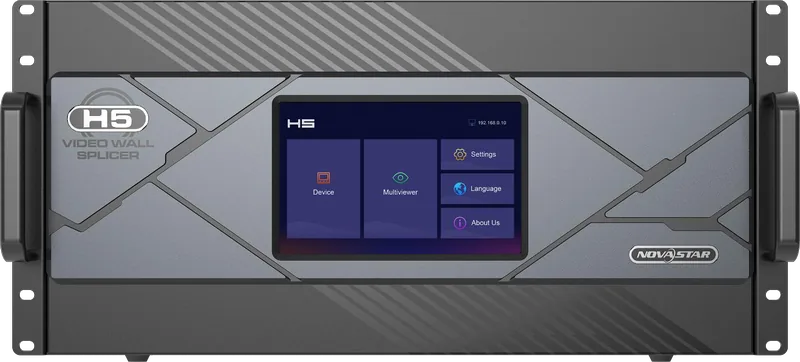 Control systems
Colorlight, NovaStar and Huidu: filter by capacity and ports, then compare.
Control systems
Colorlight, NovaStar and Huidu: filter by capacity and ports, then compare.
 Complete LED screen
Enter your size; we calculate the list of modules, cabinets, cards, controller and power.
Complete LED screen
Enter your size; we calculate the list of modules, cabinets, cards, controller and power.
Two ways to buy
Browse products for a spare part or a single component. For a new LED display, tell us what you need and we will build the system together.
Compare modules, cabinets, receiving cards or controllers by their technical specifications; add those with a published price to the cart and request a quote for the others.
Display, control system, power, mounting, shipping and installation are prepared as one package and one quote.
From purchase to installation
For all three systems, Colorlight, NovaStar and Huidu, we are with you from the first purchase until your screen is on air.
We pick the modules, receiving cards, controller and power supplies that suit your screen here, and prepare their settings before the order.
On installation day we connect to your computer remotely with AnyDesk and set up the receiving cards, the controller and the screen layout for you. Call us with your questions about mounting.
Colorlight, NovaStar or Huidu: whichever you choose, the same team supports you from the first purchase to the installation.
What is LedCommerce?
If you know the component, pick the product and add it to the cart. If you don't, tell us where the screen will be used and its size; LedCommerce brings the modules, cabinets, receiving cards, controller and the other components together in one compatible system and manages the project until delivery.
Buying piece by piece
With LedCommerce
How it works
You only take the first step. Each following step uses the result of the previous one; no technical value is filled in by guesswork.
You tell us where the display will be used, whether it is indoor or outdoor, its approximate size and the viewing distance.
The configuration engine calculates pixel pitch, cabinet and module layout, resolution and power requirement.
Mutually compatible module, cabinet, receiving card, controller, power and mounting components are gathered in one technical list.
The real size and layout of the system is shown in 3D; the view is generated from the configuration itself.
You receive one clear customer price for the display, control system, power, mounting and services.
Sourcing, shipping and installation are coordinated; you follow every step from your customer dashboard.
What we ask of you
Tell us as much as you know; where you are not sure, "I don't know" is enough. Your answers are carried into the configuration.
What do your answers determine?
Technical engine
From pixel pitch to the technical bill of materials, every value comes from the calculation the configuration engine performs with real product data from the catalog.
Product families
Looking for a single component? Hover over or select a layer and review the technical specifications of that product family.
Solutions
Choose your scenario; requirements such as brightness, viewing distance and mounting are handled accordingly in the configuration.
A seamless display surface for closely viewed spaces such as lobbies, showrooms and control rooms.
Sunlight-readable displays for street, building-facade and roadside advertising.
A sharp, bright LED display instead of a projector for meetings, presentations and video conferencing.
Eye-catching, content-driven displays for shop windows, in-store areas and shopping malls.
Quick-to-install, portable LED display systems for concerts, events and trade fairs.
Large-scale displays viewed from a distance in stadiums, arenas and public squares.
Projects that need non-standard sizes, architectural integration or special content.
3D preview
The display you configure will be shown in 3D with real cabinet sizes, module layout and dimensions. The view is generated from the technical configuration; when the configuration changes, the model changes too.
Engineering approach
Modules, cabinets, receiving cards, controllers and power supplies are verified against each other.
Every display is configured separately for its own use case and size.
Recommendations are based on real technical values in the catalog.
Every item that makes up the system is listed together with the quote.
You can see every component behind the single-line quote whenever you want.
Mounting and installation are planned as part of the project.
Quote, order, shipping and installation are tracked in one dashboard.
It is fine if you do not know the technical details. We ask the right questions; you describe what you need.